
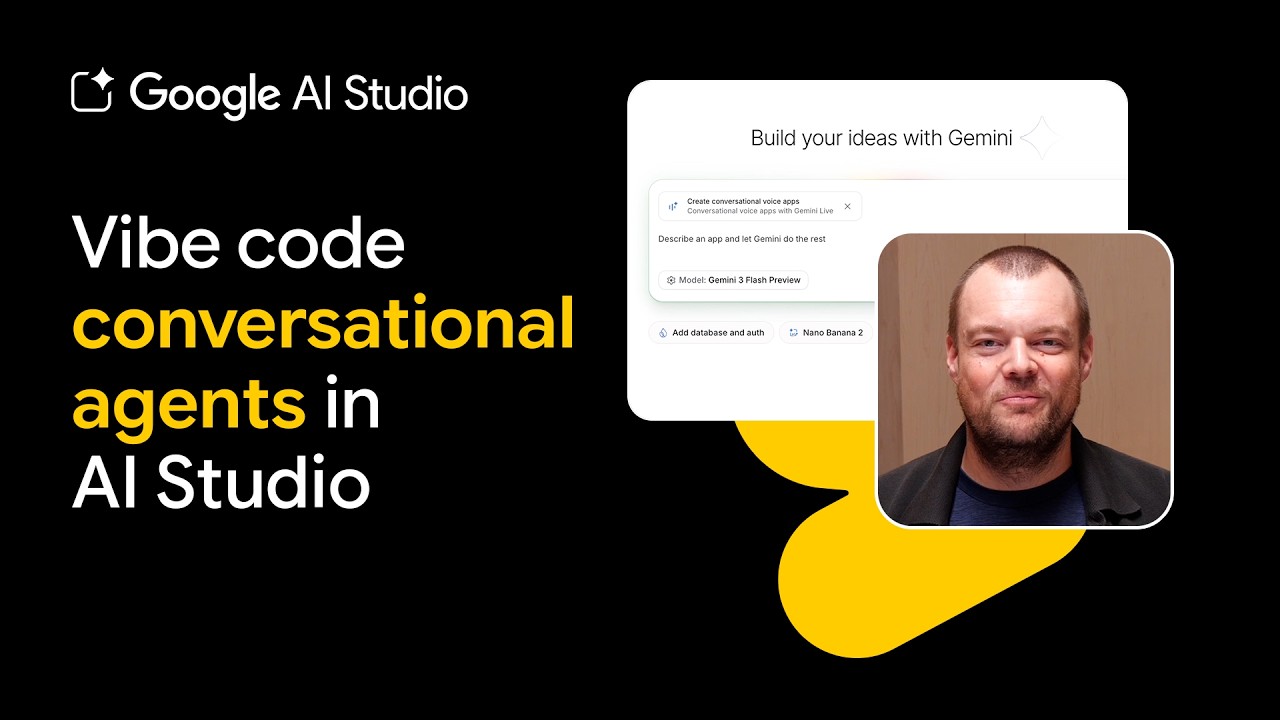
The Era of ‘Vibe Coding’ is Here: Building Real-Time Voice Agents in Google AI Studio
The landscape of software development is undergoing a massive shift. With the rise of advanced large language models, the barrier to entry for building complex, interactive applications has plummeted. Today, developers and enthusiasts alike can engage in what has affectionately been dubbed “vibe coding”—describing a desired application in plain natural language and letting an intelligent AI agent write, compile, and structure the entire codebase. Leading this charge is Google AI Studio, powered by the lightning-fast Gemini 1.5 Flash model.

Prompting Your Way to a Working App
In a recent demonstration, Tor from the Google DeepMind team showcased just how simple it is to stand up a fully functional, real-time conversational agent. Instead of writing boilerplate code or wrestling with complex web sockets for audio transmission, developers can simply voice their ideas directly to Gemini inside Google AI Studio. By specifying a goal—such as a multilingual job interview practice partner—the underlying Gemini 1.5 Flash coding agent instantly interprets the requirements, provisions the necessary components (such as video understanding, audio transcription, and speech generation), and builds out the application’s first working iteration.
Testing and the Power of Real-Time Interaction
Once generated, the application runs directly within the browser, requesting microphone permissions to facilitate real-time voice feedback. In Tor’s demonstration, the resulting app acts as an interviewer for a Senior Tech Customer Support role, dynamically switching between English and German during the conversation. This level of fluidity demonstrates the power of natural speech integration combined with low-latency LLM inference.

Seamless Deployment via Google Cloud Run
Building a great app is only half the battle; sharing it with the world is the other. Google AI Studio simplifies the deployment process by integrating directly with Google Cloud Run. Users have two frictionless paths for distribution:
- Public Web Links: Generate a quick, shareable link to let friends, family, or colleagues test out the application instantly.
- Full Production Deployment: Publish the application to Google Cloud Run with a dedicated URL, ensuring secure, scalable hosting on Google Cloud infrastructure.
Branching and Remixing: From Interviewer to Customer Support
One of the most powerful features of Google AI Studio’s ecosystem is its support for rapid branching and remixing. Similar to branching a repository in Git, developers can duplicate their application and pivot its utility in seconds. For instance, Tor demonstrated how easily the multilingual interviewer could be cloned and remixed into a specialized customer support bot. By uploading supplementary files, such as PDFs of product documentation or business FAQs, the agent is instantly transformed into a knowledgeable support representative ready to handle client queries in any language.

Exploring the AI Studio Gallery
For those looking to expand their horizons further, Google AI Studio hosts an extensive template and application gallery. Inside, developers can find inspiration for building multiplayer games, integrating interactive Google Maps, or crafting stunning landing pages with the help of design tools like v0. The gallery serves as both a playground and a launchpad for complex, agentic AI systems that bridge the gap between imagination and execution.
Whether you are a seasoned software engineer or a curious hobbyist, Google AI Studio invites you to begin your AI coding journey. By removing the friction of traditional coding, it empowers creators to focus entirely on product vision, design, and user experience.